Skip to contentSkip to footer


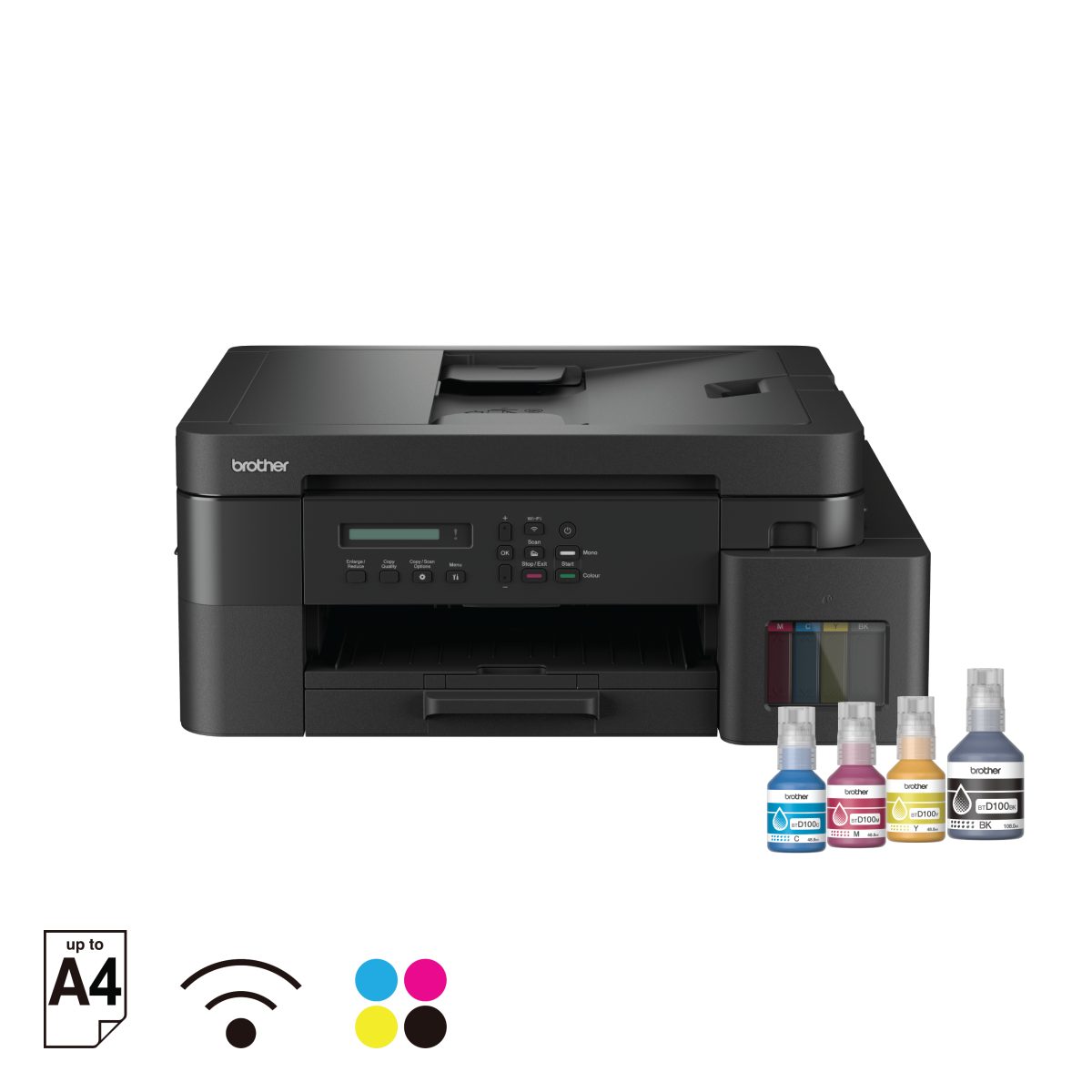
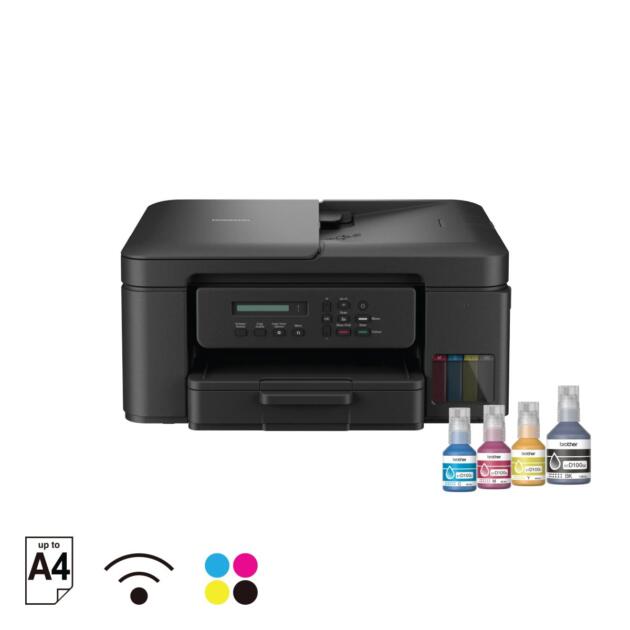
Brother DCP-T830DW Ink Tank Printer
$441.00
The Brother DCP-T830DW is a compact A4 ink tank printer that prints, scans and copies, with auto 2-sided printing, a 20-sheet auto document feeder and WiFi.
Description
Description
The Brother DCP-T830DW is a compact A4 inkjet ink tank printer that prints, scans and copies, with full ink bottles included.
Brother DCP-T830DW print, scan and copy features
Print speed is up to 17 ipm in black and 16.5 ipm in colour. Auto 2-sided (duplex) printing and a 20-sheet Auto-Document Feeder (ADF) are built in. Connect by WiFi, AirPrint, Mopria, Wireless Direct, USB 2.0 or LAN, and use the Mobile Connect App. Yield is up to 7500 pages in black and 5000 pages in colour. The matching Brother ink bottles are BTD100BK, BTD100C, BTD100M and BTD100Y.
Key specifications
- Functions: Print, Scan, Copy
- Printer type: Inkjet Printer
- Print speed: up to 17.0 ipm (mono) / up to 16.5 ipm (colour)
- Connectivity: WiFi, AirPrint, Mopria, Wireless Direct, USB 2.0, LAN
- Duplex: Auto 2-sided printing
- ADF: 20 sheets
- Ink: Full ink bottles included
- Yield: up to 7500 / 5000 pages (black / colour)
- Mobile app: Mobile Connect App
- Dimensions (W x D x H): 435 mm × 418 mm × 180 mm
- Weight: 9.6 kg
- Paper types: Plain Paper, Inkjet Paper (coated paper), Glossy Paper, Recycled Paper
- Paper sizes: A4, Letter, Legal, Mexico Legal, India Legal, Folio, Executive, B5 (JIS), A5, B6 (JIS), A6, Photo (10x15cm/4×6″), Photo-L (9x13cm/3.5×5″), Photo-2L (13x18cm/5×7″), Indexcard (13x20cm/5×8″), Com-10, DL Envelope, Monarch, C5
- Maximum paper capacity: up to 230 sheets of 80 gsm plain paper (with Multi purpose Tray)
Common questions
Does the Brother DCP-T830DW print on both sides automatically?
Yes. It has auto 2-sided (duplex) printing.
Does the Brother DCP-T830DW come with ink?
Yes. Full ink bottles are included. Replacement ink bottles are BTD100BK, BTD100C, BTD100M and BTD100Y.
How can I connect the Brother DCP-T830DW?
It connects by WiFi, AirPrint, Mopria, Wireless Direct, USB 2.0 or LAN, and works with the Mobile Connect App.